
In today’s business world, data plays a very important role in decision-making and business growth. Every company collects data from different sources such as sales, marketing, customer service, finance, websites, and social media. However, handling large amounts of data manually can be difficult and time-consuming. Businesses need a smart solution that can organize, analyze, and display data in a simple and meaningful way. This is where Microsoft Power BI Dashboard Development Services become highly useful.
Power BI is one of the most popular business intelligence and data visualization tools developed by Microsoft. It helps businesses convert raw data into interactive dashboards and reports that are easy to understand. With professional Power BI Dashboard Development Services, businesses can monitor performance, track important metrics, and make faster and smarter decisions.
In this blog, we will discuss the major benefits of Power BI Dashboard Development Services and how they help businesses improve operations and productivity.
Better Decision Making
One of the biggest benefits of Power BI Dashboard Development Services is better decision-making. Businesses often struggle to understand large sets of data because the information is scattered across multiple systems. Power BI organizes all the information into visual dashboards that are easy to read and understand.
Business owners and managers can quickly analyze reports, identify trends, and make informed decisions based on real-time data instead of assumptions. This helps companies reduce risks and improve business performance.
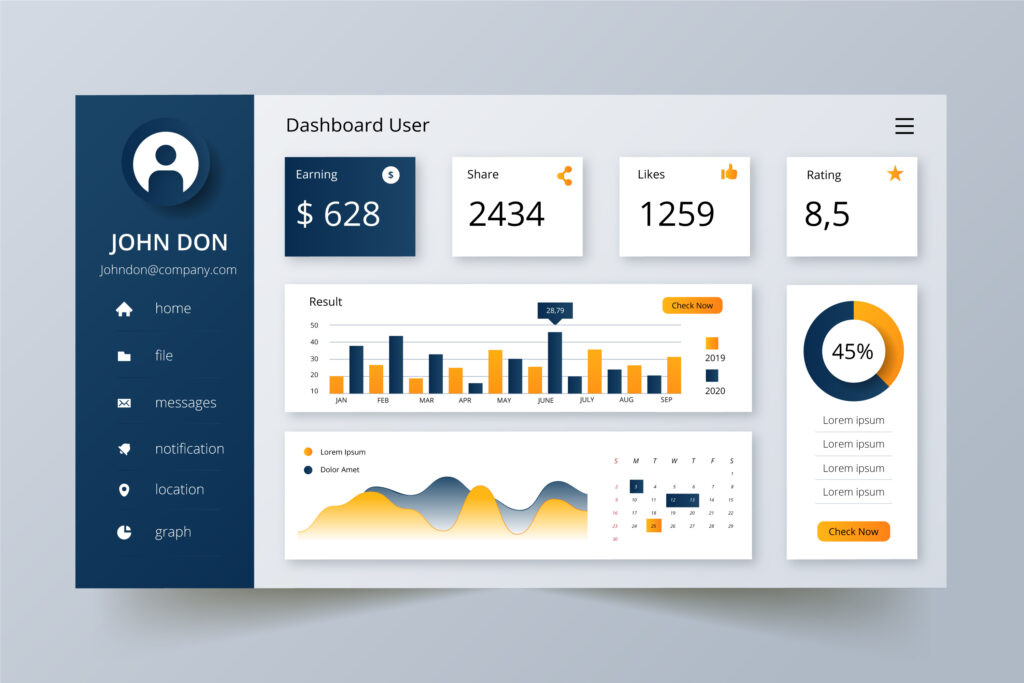
For example, a sales dashboard can show monthly revenue, customer growth, and product performance in one place. This allows decision-makers to identify which products are performing well and which areas need improvement.
Real-Time Data Monitoring
Power BI dashboards provide real-time access to business data. This means businesses can monitor activities and performance instantly without waiting for manual reports.
Real-time monitoring is very useful for:
- Sales tracking
- Customer support performance
- Inventory management
- Financial analysis
- Website traffic monitoring
- Marketing campaign tracking
Businesses can immediately identify problems and take quick action. For example, if sales suddenly decrease in a specific region, the management team can quickly investigate and solve the issue before it affects the entire business.
Easy Data Visualization
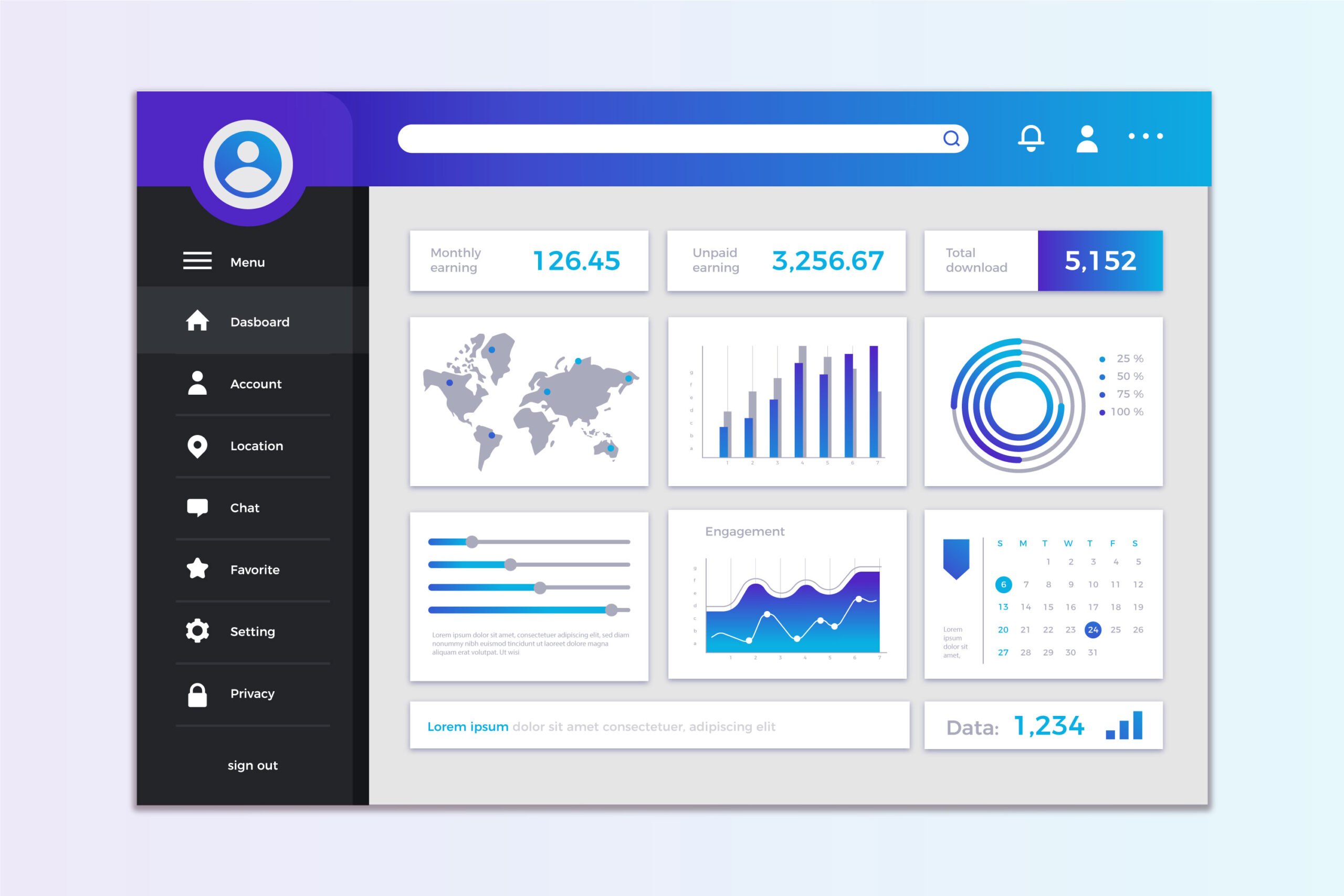
Large amounts of data can be confusing when displayed in spreadsheets or raw tables. Power BI solves this problem by converting complex data into simple visual reports.
Power BI dashboards use:
- Charts
- Graphs
- Tables
- Pie charts
- Maps
- KPI indicators
- Interactive reports
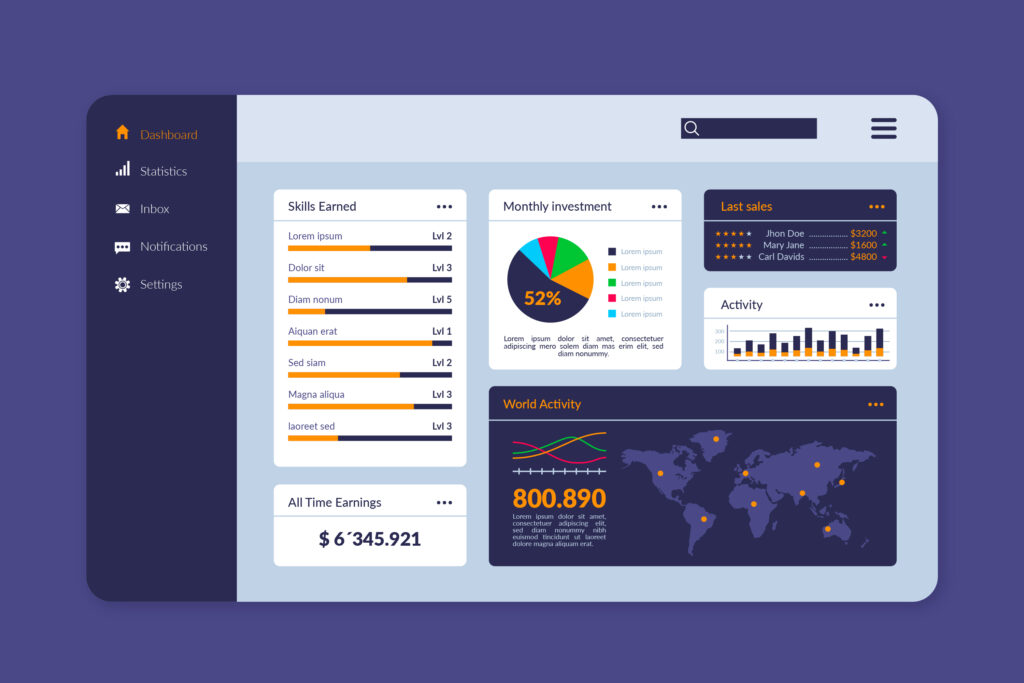
These visuals make it easier for employees and management teams to understand business information quickly. Even people without technical knowledge can understand reports easily.
Easy data visualization also improves presentations and reporting during meetings because information becomes more attractive and understandable.
Increased Productivity
Manual reporting processes often consume a lot of time and effort. Employees may spend hours collecting data, organizing spreadsheets, and preparing reports. Power BI automates these tasks and saves valuable time.
With Power BI Dashboard Development Services:
- Reports are generated automatically
- Data updates in real time
- Repetitive tasks are reduced
- Employees can focus on important business activities
Automation improves overall productivity and allows teams to work more efficiently.
For example, instead of manually creating weekly sales reports, Power BI can automatically generate and update reports daily.
Centralized Data Management
Businesses usually store data in different systems such as:
- Excel files
- CRM software
- ERP systems
- Cloud platforms
- Databases
- Websites
- Third-party applications
Managing data from multiple sources can become difficult. Power BI Dashboard Development Services help businesses combine all their data into one centralized platform.
This centralized system helps businesses:
- Access information easily
- Improve data accuracy
- Reduce duplication
- Manage reports efficiently
Employees no longer need to switch between multiple platforms to find information.
Custom Dashboard Solutions
Every business has different goals and reporting requirements. Power BI dashboards can be fully customized according to business needs.
Professional Power BI developers create dashboards based on:
- Business objectives
- Industry requirements
- Key performance indicators (KPIs)
- Department-specific data
- User preferences
For example:
- A retail company may need sales and inventory dashboards
- A healthcare organization may need patient management dashboards
- A finance company may need profit and expense tracking dashboards
Custom dashboards provide more useful and relevant insights for businesses.
Performance Tracking
Power BI dashboards help businesses monitor important performance metrics from one place. Companies can track:
- Revenue growth
- Employee productivity
- Customer satisfaction
- Marketing performance
- Operational efficiency
- Financial performance
This helps management teams identify strengths and weaknesses quickly.
For example, a company can compare current sales with previous months and measure business growth accurately. If certain goals are not achieved, businesses can adjust strategies immediately.
Cost-Effective Business Intelligence Solution
Compared to many other business intelligence tools, Power BI is more affordable while still offering advanced features and capabilities.
Small businesses and startups often have limited budgets. Power BI provides enterprise-level analytics at a lower cost, making it suitable for businesses of all sizes.
Benefits include:
- Lower development costs
- Reduced reporting expenses
- Minimal maintenance costs
- Better return on investment (ROI)
This makes Power BI an excellent long-term business solution.
Secure Data Management
Data security is one of the biggest concerns for businesses today. Power BI provides advanced security features that help protect sensitive business information.
Power BI offers:
- Data encryption
- User access control
- Secure cloud storage
- Role-based permissions
- Compliance support
Businesses can control who can view or edit reports and dashboards. This helps protect confidential company data from unauthorized access.
For industries like healthcare, finance, and e-commerce, strong data security is extremely important.
Easy Integration with Multiple Platforms
Power BI can easily connect with many different platforms and applications. This allows businesses to collect and analyze data from multiple sources without complications.
Power BI supports integration with:
- Excel
- SQL Server
- Google Analytics
- Salesforce
- Azure
- SharePoint
- APIs
- ERP software
- CRM systems
Easy integration helps businesses create complete reports using data from different departments and platforms.
Mobile-Friendly Dashboards
Modern businesses require flexibility and remote access. Power BI dashboards are mobile-friendly and work smoothly on:
- Smartphones
- Tablets
- Laptops
- Desktop computers
Business owners and managers can access reports anytime and from anywhere. This is especially useful for companies with remote teams or multiple office locations.
Mobile access allows faster decision-making even while traveling or working outside the office.
Better Team Collaboration
Power BI makes it easier for teams to share information and collaborate. Reports and dashboards can be shared securely with employees, managers, and departments.
Benefits of collaboration include:
- Faster communication
- Better teamwork
- Improved project management
- More transparent reporting
When everyone has access to the same data, businesses can improve coordination and avoid confusion.
Scalability for Growing Businesses
As businesses grow, their data also increases. Power BI is highly scalable and can handle large amounts of data efficiently.
Whether you are a startup, small business, or large enterprise, Power BI can grow along with your business needs.
Businesses can:
- Add more users
- Connect new systems
- Create additional dashboards
- Manage larger datasets
This flexibility makes Power BI a future-ready business intelligence solution.
AI-Powered Insights and Forecasting
Power BI uses artificial intelligence and machine learning capabilities to provide advanced business insights.
AI-powered features help businesses:
- Predict future trends
- Identify customer behavior
- Detect patterns
- Forecast sales
- Improve planning
Predictive analytics helps businesses prepare for future challenges and opportunities more effectively.
For example, retail companies can forecast future product demand and manage inventory more efficiently.
Faster and More Accurate Reporting
Manual reporting often leads to human errors and delays. Power BI automates reporting processes and improves accuracy.
Automated dashboards ensure:
- Real-time updates
- Accurate calculations
- Consistent reporting
- Reduced human errors
Businesses can generate reports quickly and make decisions based on reliable information.
Conclusion
Power BI Dashboard Development Services provide powerful solutions for businesses that want to manage and analyze data effectively. From real-time monitoring and easy data visualization to improved productivity and smarter decision-making, Power BI offers many advantages for modern businesses.
With interactive dashboards, centralized data management, AI-powered insights, and secure reporting systems, Power BI helps companies improve performance and achieve business growth faster.
Whether you run a small business or a large enterprise, investing in professional Power BI Dashboard Development Services can help you turn business data into valuable insights and stay ahead in today’s competitive market.